Fake Virus Pop-Ups and Tech Support Scams: What to Do Before You Click or Call
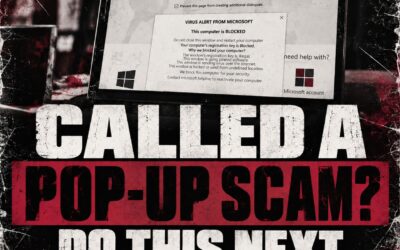
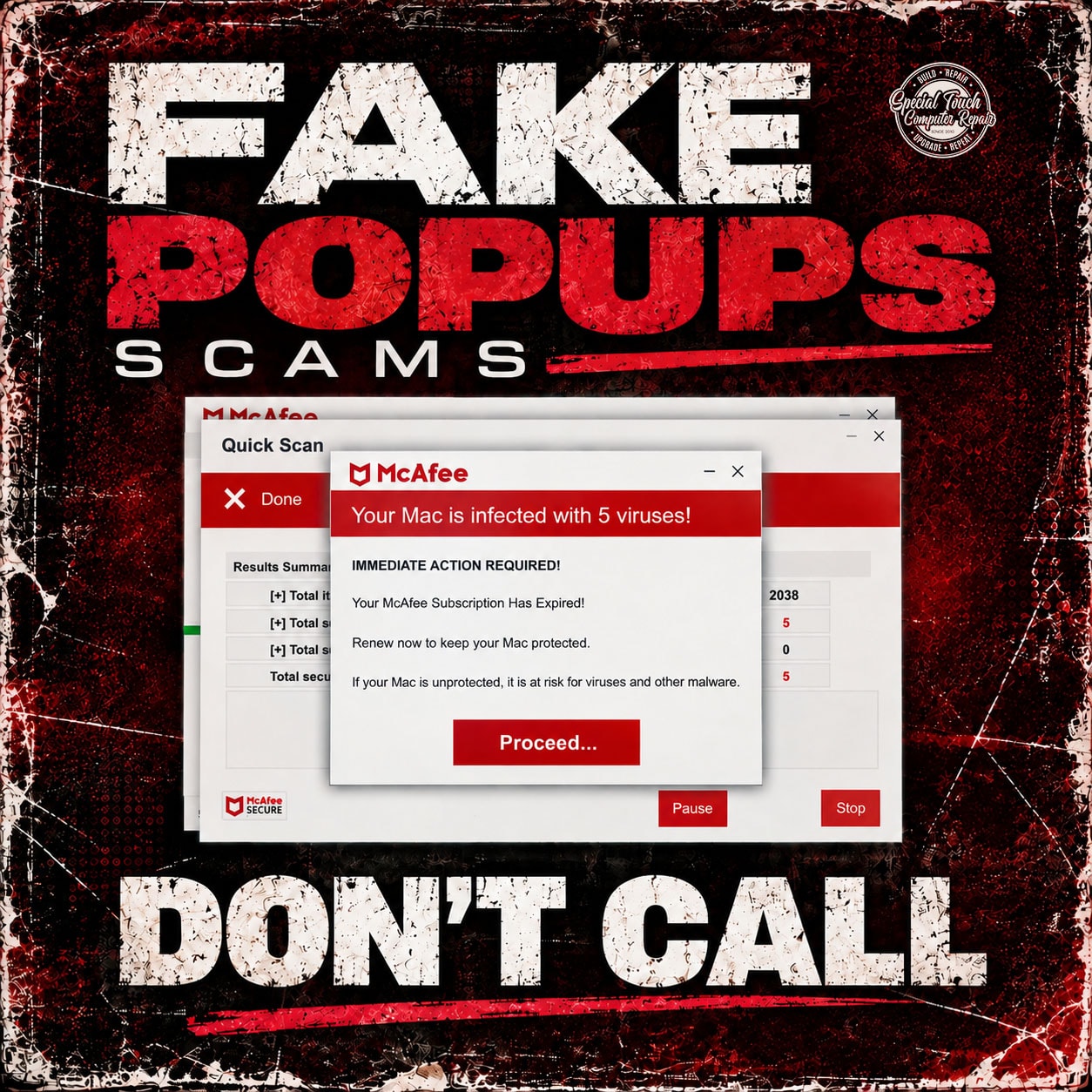
Fake virus warnings and tech support scams are becoming increasingly common. You may be browsing the internet when suddenly a large warning appears claiming your computer has been infected, hacked, compromised, or locked. Some pop-ups may display familiar names such as Microsoft, Apple, McAfee, or other well-known technology companies.
The warning may look convincing, make alarming sounds, cover your entire screen, or tell you to call a phone number immediately.
The most important thing to remember is simple:
❌ DON’T CALL
❌ DON’T CLICK
❌ DON’T GIVE ANYONE REMOTE ACCESS
❌ DON’T ENTER PASSWORDS OR PAYMENT INFORMATION
❌ DON’T PANIC
✅ CALL A TRUSTED LOCAL COMPUTER PROFESSIONAL INSTEAD
What Is a Fake Virus Pop-Up?
A fake virus pop-up is a fraudulent message designed to convince you that something is seriously wrong with your computer.
These messages commonly claim that:
- Your computer has multiple viruses
- Your Microsoft or Apple account has been compromised
- Hackers are accessing your computer
- Your antivirus subscription has expired
- Your personal information is being stolen
- Your computer will be disabled unless you act immediately
- You must call a displayed “support” number
The goal is usually to frighten you into calling a scammer, clicking a malicious link, purchasing unnecessary software, providing payment information, or allowing someone to remotely access your computer.
Why Do These Pop-Ups Look So Real?
Scammers intentionally imitate legitimate companies and security software. A fake warning may include company logos, security terminology, countdown timers, flashing messages, fake virus scans, or phone numbers labeled as “Microsoft Support” or another trusted company.
Seeing a warning in your web browser does not automatically mean your computer has a virus.
A website can display frightening messages without actually knowing whether your computer is infected.
What Should You Do If a Virus Warning Pops Up?
First, don’t interact with the warning.
Do not call the phone number shown on the screen. Do not click buttons such as “Scan,” “Remove Virus,” “Proceed,” “Renew,” or “Call Support.”
If possible, close the browser tab or browser window. If the browser will not close normally, you may need to force-close it or restart the computer.
Most importantly, don’t give a stranger remote access to your computer.
Never Give an Unknown Caller Remote Access
One of the biggest dangers of tech support scams occurs after someone calls the number displayed in a fake warning.
The person answering may claim to be from Microsoft, Apple, McAfee, Windows Support, or another technology company. They may ask you to install remote-access software so they can “fix” the problem.
Once someone has remote access, they may be able to view your files, access accounts, install software, steal information, or pressure you into paying for unnecessary services.
If you’re unsure whether a warning is legitimate, stop before taking further action.
What If You Already Clicked or Called?
If you clicked the warning but didn’t provide information or remote access, close the browser and consider having the computer checked if you’re concerned.
If you gave someone remote access, provided passwords, entered credit-card or banking information, or paid the caller, the situation should be taken more seriously. Disconnecting the computer from the internet and having it professionally inspected can help determine what happened and what steps should be taken next.
Passwords for potentially affected accounts may also need to be changed from a known-safe device.
Computer Scam Help in Omaha, Nebraska
If you’re in Omaha, Nebraska or the surrounding area and aren’t sure whether a virus warning, security alert, or tech support message is legitimate, Special Touch Computer Repair can help.
It’s much easier to check a suspicious message before you interact with it than to clean up the damage after giving a scammer access.
Remember:
❌ Don’t call.
❌ Don’t click.
❌ Don’t panic.
✅ Call Special Touch Computer Repair instead.
We can help determine whether you’re dealing with a fake pop-up, malware, a browser notification scam, or an actual computer problem.