Already Called a Pop-Up Scammer? Here’s What to Do Next
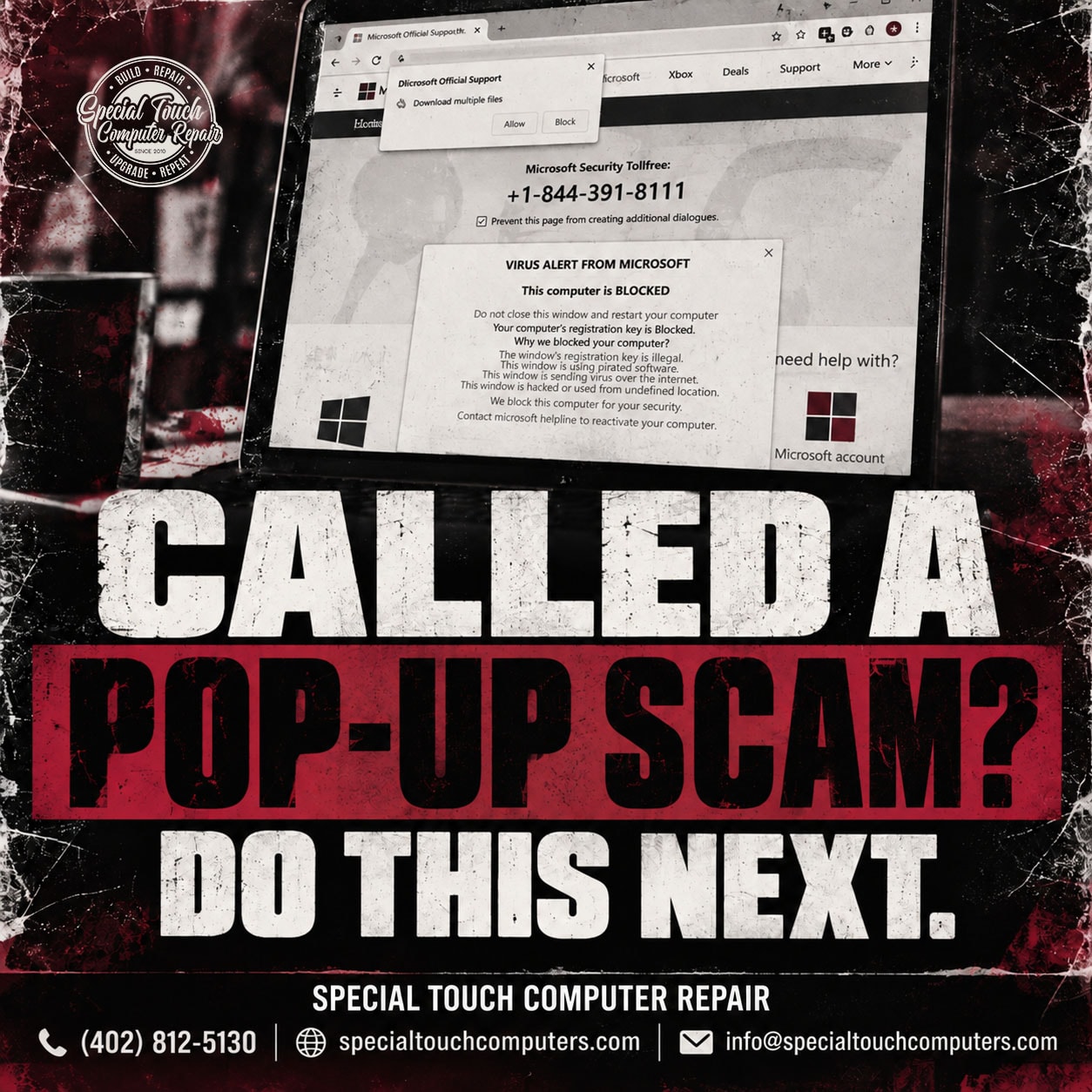
Fake virus warnings, Microsoft pop-ups, McAfee alerts, Apple security warnings, and tech support scams are designed to make you panic and act quickly.
The message may claim your computer has been hacked, your personal information is at risk, or your device has a serious virus. It may display a phone number and tell you to call immediately.
But what should you do if you already called?
If you spoke with a scammer, gave them remote access to your computer, provided personal information, or sent them money, there are several important steps you should take right away.
1. Disconnect Your Computer From the Internet
If the scammer had remote access to your computer, disconnect it from the internet.
Turn off Wi-Fi or unplug the Ethernet cable.
This can prevent an active remote connection from continuing while you determine what was installed or changed on the computer.
2. End and Remove Remote Access Software
Tech support scammers commonly convince people to install remote-access software that allows someone else to control the computer.
Even after the phone call ends, remote-access software or other unwanted programs may still be installed.
Do not assume that closing the program means everything is safe.
A professional computer security evaluation can help determine what software was installed, what changes were made, and whether additional cleanup is necessary.
3. Change Your Important Passwords
If someone had access to your computer, change your important passwords using a different device that you trust.
Start with:
- Email accounts
- Microsoft or Apple accounts
- Banking and credit card accounts
- Social media
- Shopping accounts
- Any account containing personal or financial information
If you used the same password on multiple websites, change those passwords as well.
Enable two-factor authentication whenever it is available.
4. Contact Your Bank and Credit Card Companies
If you gave the scammer a credit card number, banking information, payment information, or sent money, contact your bank or credit card company immediately.
Tell them you may have been the victim of a tech support scam.
They can advise you about protecting your accounts, replacing compromised cards, disputing unauthorized transactions when appropriate, and monitoring your accounts for suspicious activity.
5. Contact the Credit Bureaus
If you provided sensitive personal information, consider contacting the three major credit bureaus:
- Equifax
- Experian
- TransUnion
Depending on what information was exposed, you may want to place a fraud alert or freeze your credit.
A credit freeze can make it more difficult for someone to open a new account using your identity.
6. Monitor Your Accounts
Continue monitoring your bank accounts, credit cards, email accounts, and credit reports.
Watch for transactions, password-reset emails, login notifications, new accounts, or other activity you don’t recognize.
Scammers may not use stolen information immediately, so continuing to monitor your accounts after the incident is important.
7. Bring Your Computer to Special Touch Computer Repair
If a scammer remotely accessed your computer, bring it to Special Touch Computer Repair in Omaha for a professional evaluation.
We can inspect your computer for remote-access programs, unwanted software, suspicious changes, malware, and other potential security concerns.
Even if the computer appears to be working normally, that does not necessarily tell you what happened while someone else had remote access.
Why Do Pop-Up and Tech Support Scams Work?
Tech support scams are designed around fear, urgency, and emotion.
The warning may flash, make noise, lock your browser, display frightening messages, or claim something terrible will happen if you close the window.
The goal is to push you into making a fast, emotional, uninformed decision before you have time to stop, think, and question what you’re being told.
Be especially cautious when a warning unexpectedly tells you to call Microsoft, Apple, McAfee, Windows Support, or another “tech support” phone number.
Already Gave a Scammer Access to Your Computer?
Do not continue communicating with the person who called you or whose phone number appeared in the pop-up.
Disconnect the computer from the internet, secure your financial and online accounts, and have the computer professionally evaluated.
Special Touch Computer Repair helps Omaha-area customers with computer repair, malware concerns, tech support scam evaluations, Windows computer problems, and other computer security concerns.
Special Touch Computer Repair
Omaha, Nebraska
(402) 812-5130
specialtouchcomputers.com
Serving Omaha and surrounding communities with local computer repair and technology support.